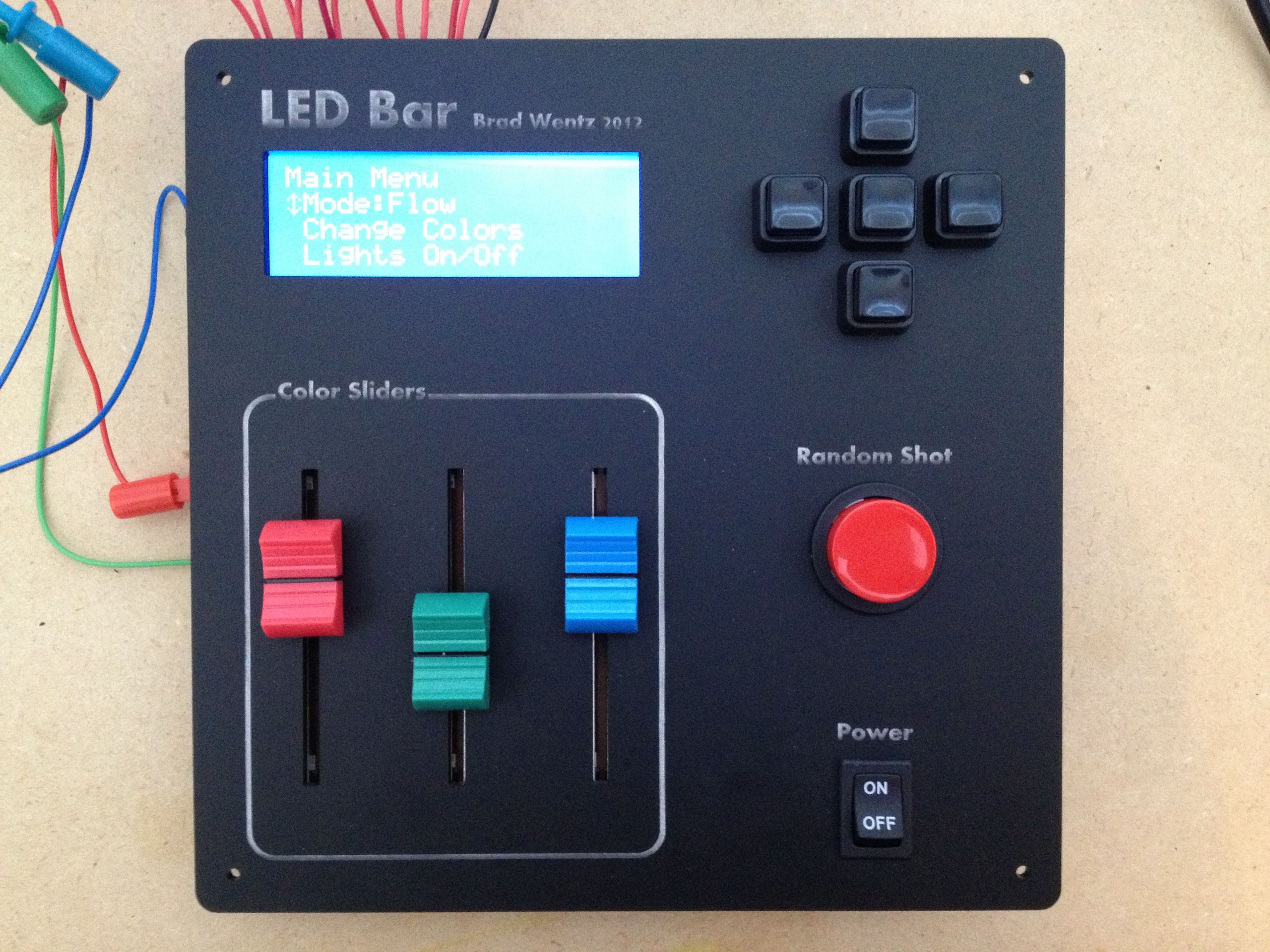

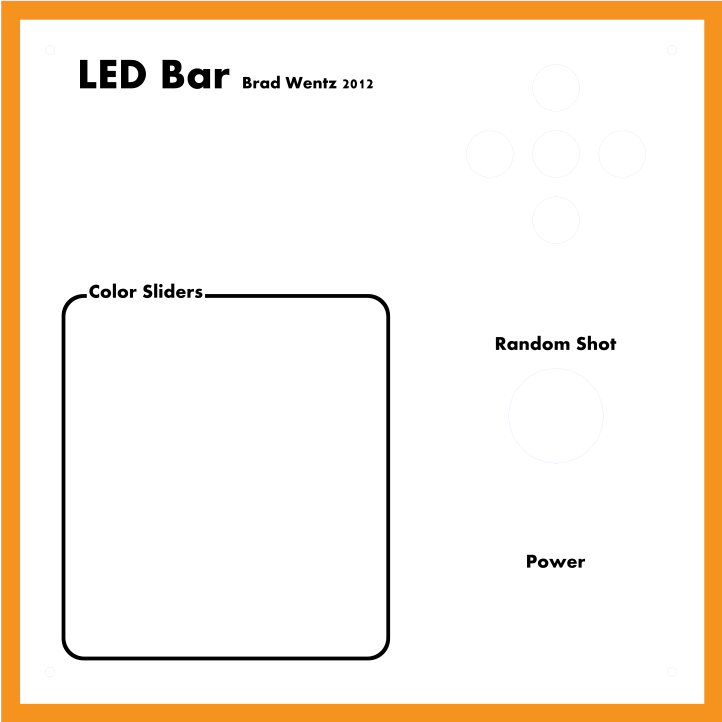
The LED Bar is meant to be interactive and will mostly be used at parties. So I decided to create a nice panel to mount the LCD, buttons, and slide pots. This also allows me to label all of the components to make it easier to use. I checked out the Ponoko website and decided to design a panel out of black acrylic. I used the free Inkscape software and Ponoko template to draw up the panel, including etched labels for the components. It only took a few hours since I had a good idea of how I wanted everything laid out. The design file can be found here.
After a few weeks the panel came in the mail. I’m very happy with how it turned out considering it’s the first panel I have ever made. I just wish the white etching was more uniform to make the text easier to read. I may be able to brighten it myself though.
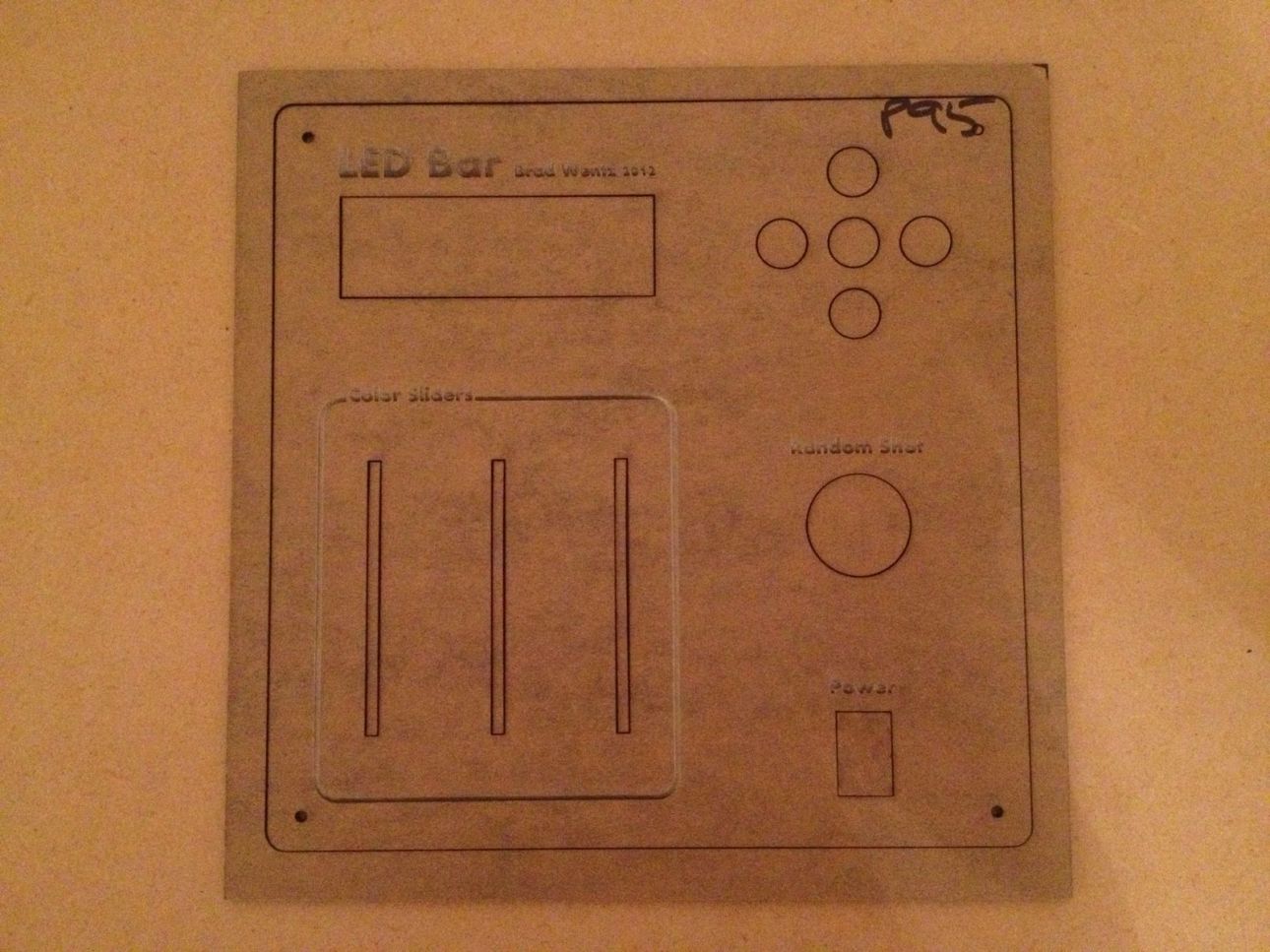
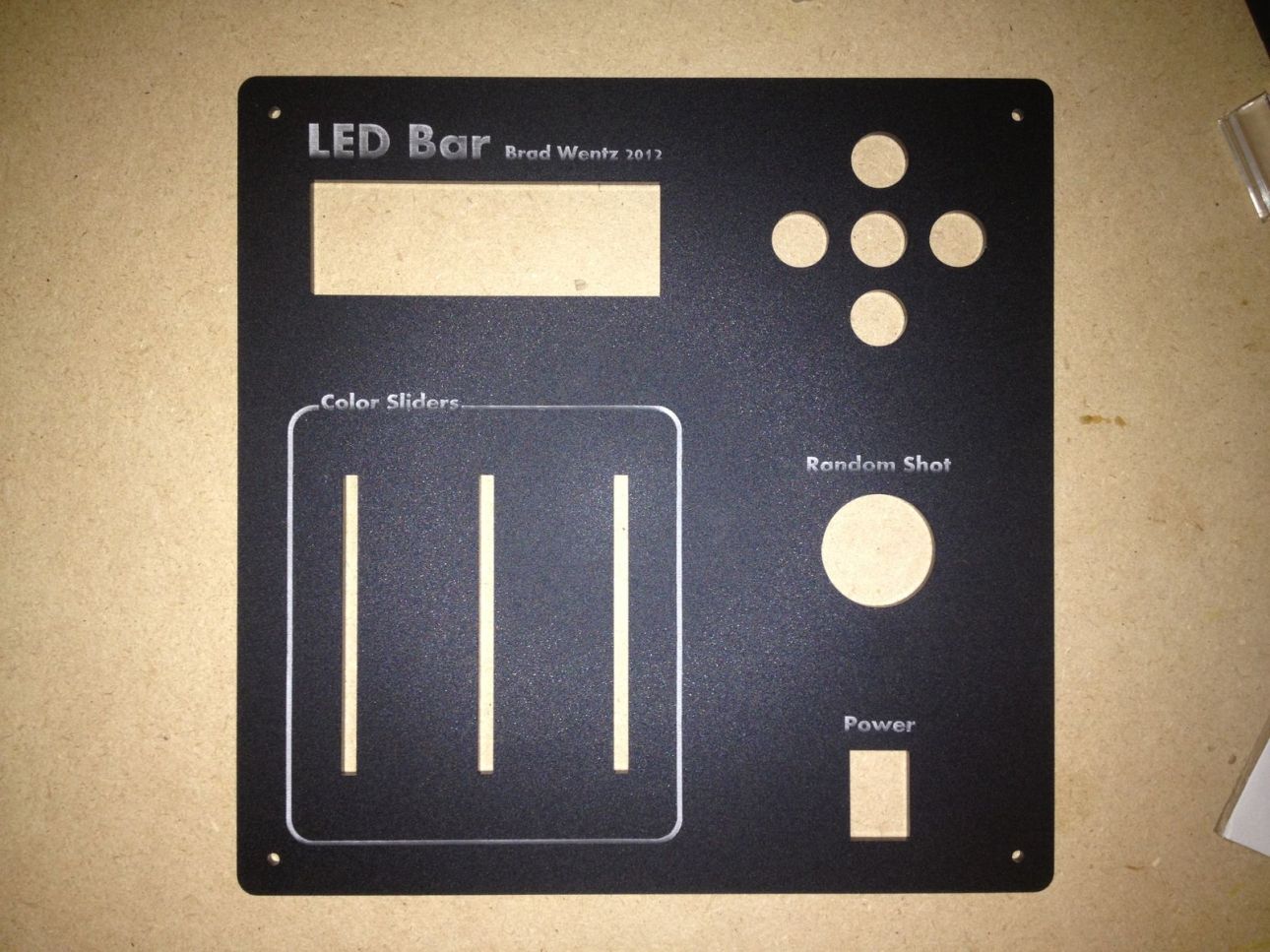
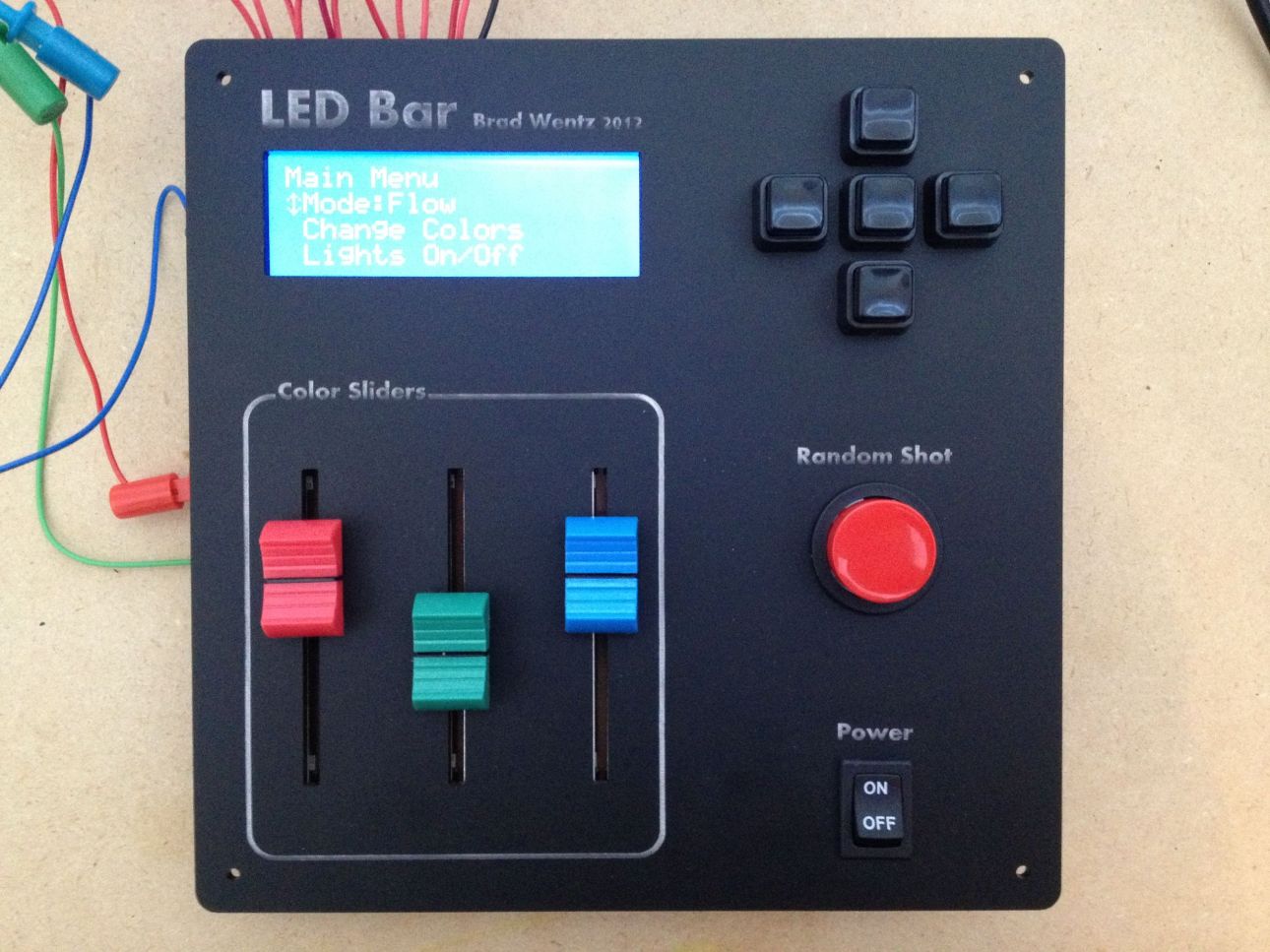
I mounted all of the components and luckily everything fit as I expected.
Now that I have the panel finished it is time to start modifying my bar shelves. I created a mockup to see which lighting method works best and to try out hiding the wire within the wood shelf. I found out that mounting the LEDs under the bottles will not work. Dark bottles, dark alcohol, and most wine bottles just don’t glow like I want them to. I think pointing them at the bottles from above or from behind will work best. A little more experimenting is needed.


Leave a Reply