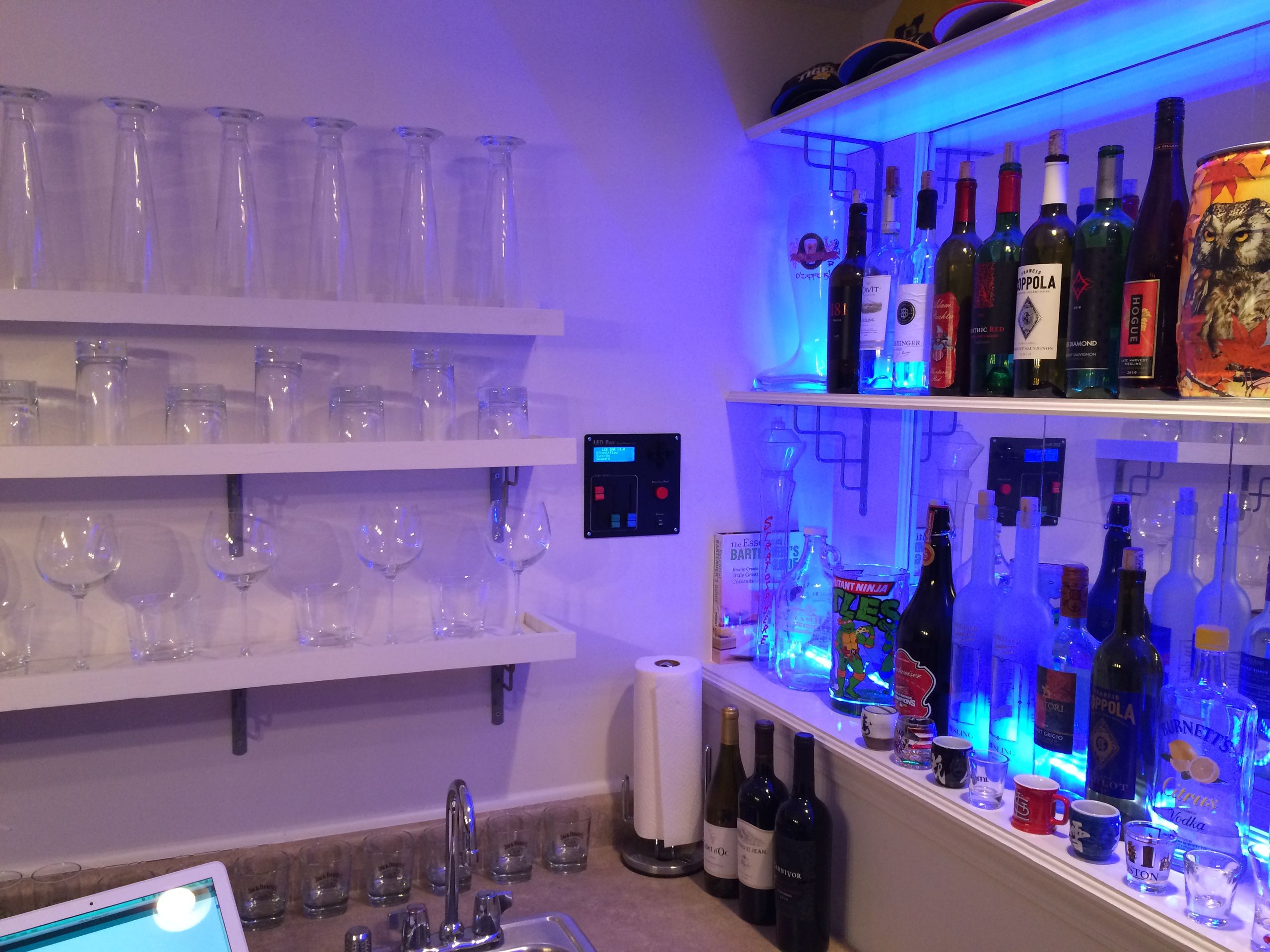

I performed a lot of testing and couldn’t get individual RGB LEDs to light up different colored alcohol bottles the way I wanted. So I found some LED strips from Sparkfun and toyed around with them instead. This was much easier than installing individual LEDs into the actual shelves. The LEDs cannot be controlled individually on the strips, but it reduces complexity because I can use Arduino PWM outputs with external MOSFETs to drive them. The top and bottom shelves are independent so I can at least make those different colors.
After I built and tested the new LED bar design on my workbench, I moved everything down to my basement bar. It was a mess of wires just waiting for a spilled drink to destroy it, but it still worked exactly as I had envisioned. Then I threw a party and realized just how much fun an interactive bar can really be. By ‘fun’, I mean it’s basically a hangover-inducing robot. The random shot button was a huge hit and everyone tried it several times throughout the night.
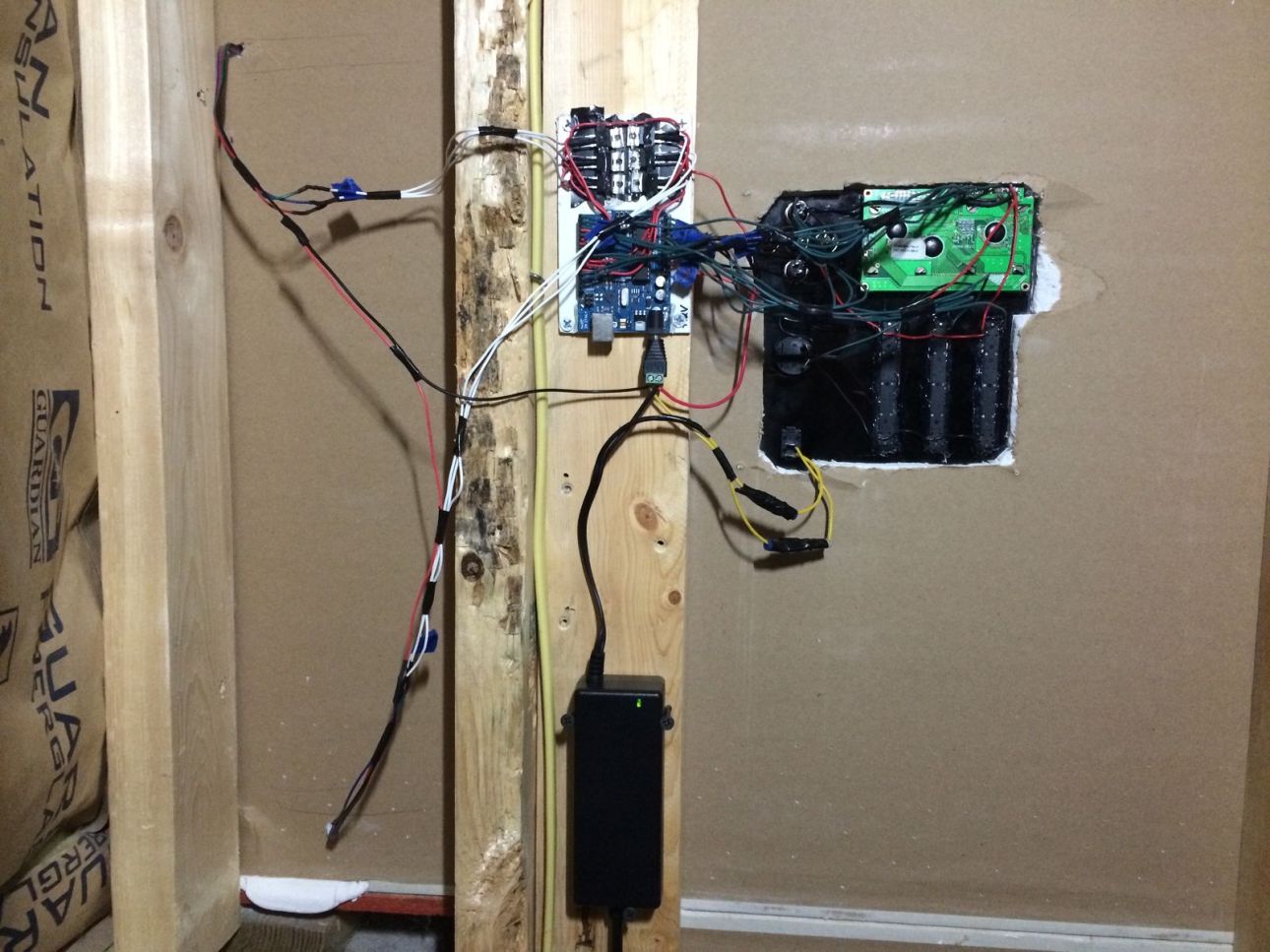
After that I started on the actual installation to make everything more professional-looking. I stuck the LED strips to the bar shelves using the built-in adhesive strips. Then I installed the control panel on a wall above my sink. On the other side of this wall is a small, unfinished room with my furnace and water heater. This made it very easy to cut out a piece of drywall and mount the panel with relatively easy access behind it. I then mounted the PC power supply and electronics on a stud in the utility closet. There’s an outlet in the room which makes it easy to power.
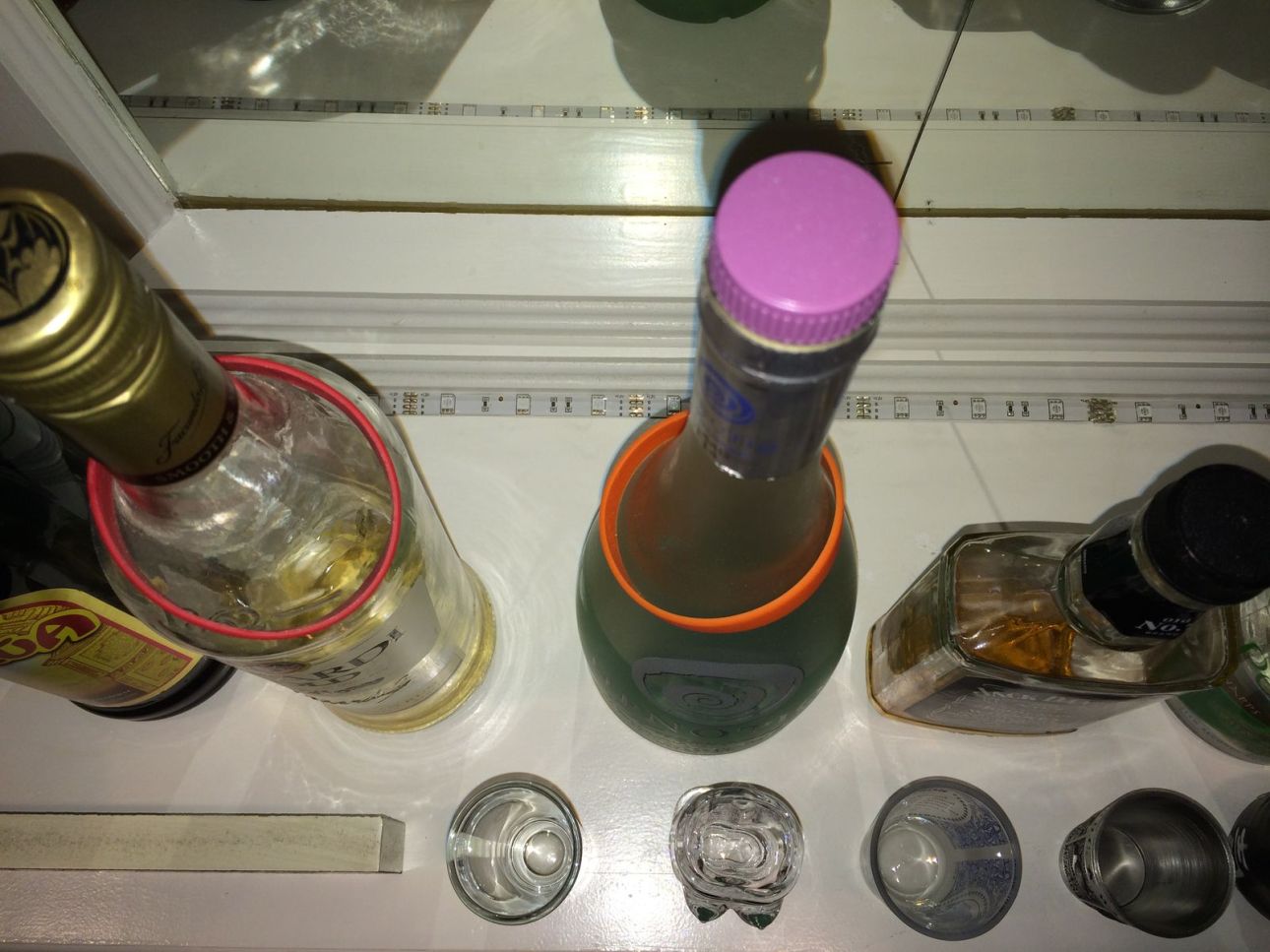
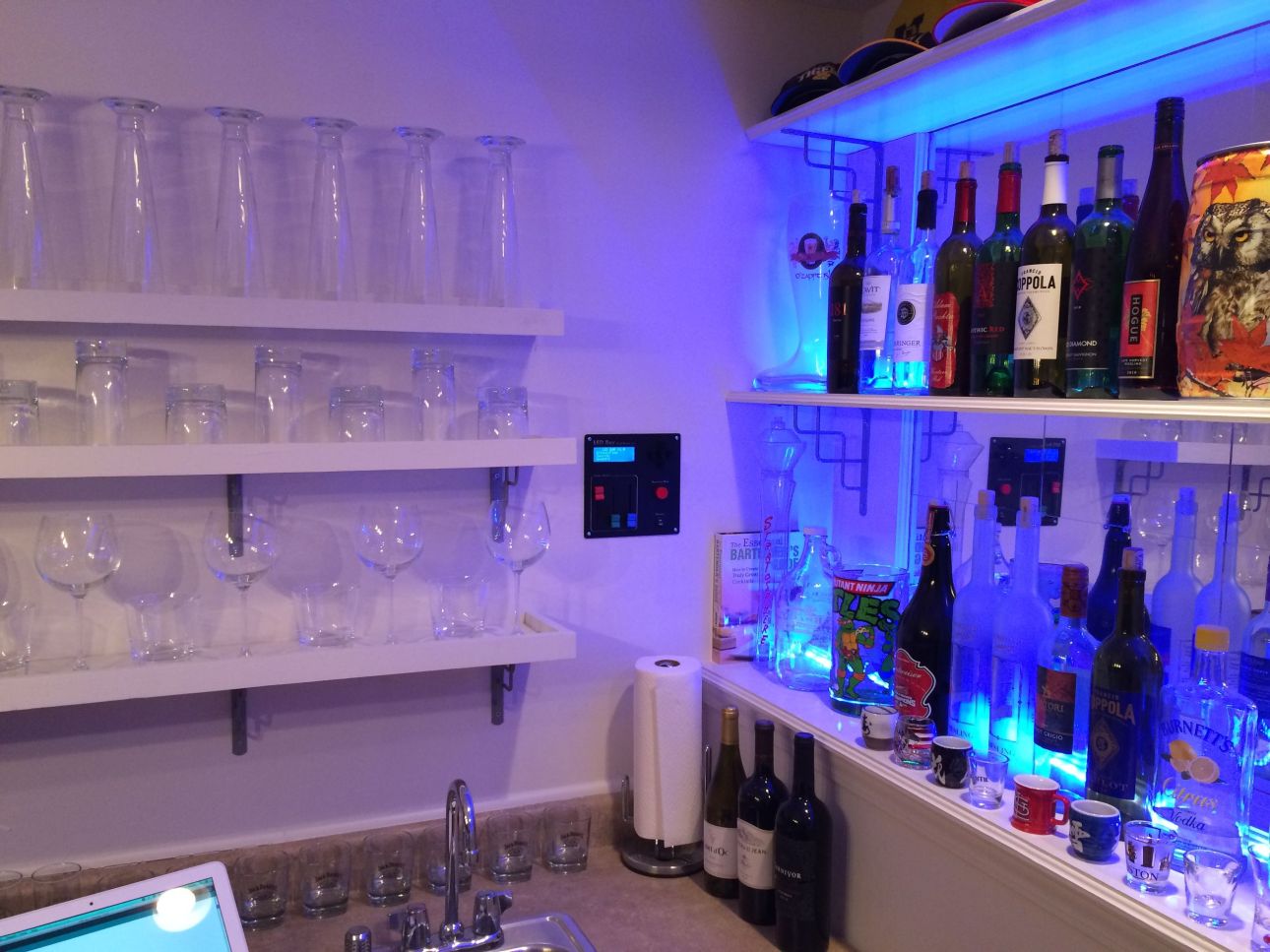
There are several display modes that can be selected using the control panel:
- Flow: Randomly changes between different colors by color mixing to the next one. The two bar shelves can sync together and show the same color or change independently.
- Pulse: Randomly changes between different colors by fading to black before the next one. The two bar shelves can sync together and show the same color or change independently.
- Static: Displays a single color. There are several preset colors to choose from or the color sliders can be used to mix a custom color.
- Strobe: Strobe light effect using a single color. There are several preset colors to choose from or the color sliders can be used to mix a custom color.
- Random: Changes between different display modes. The strobe effect can be turned on or off in the rotation.
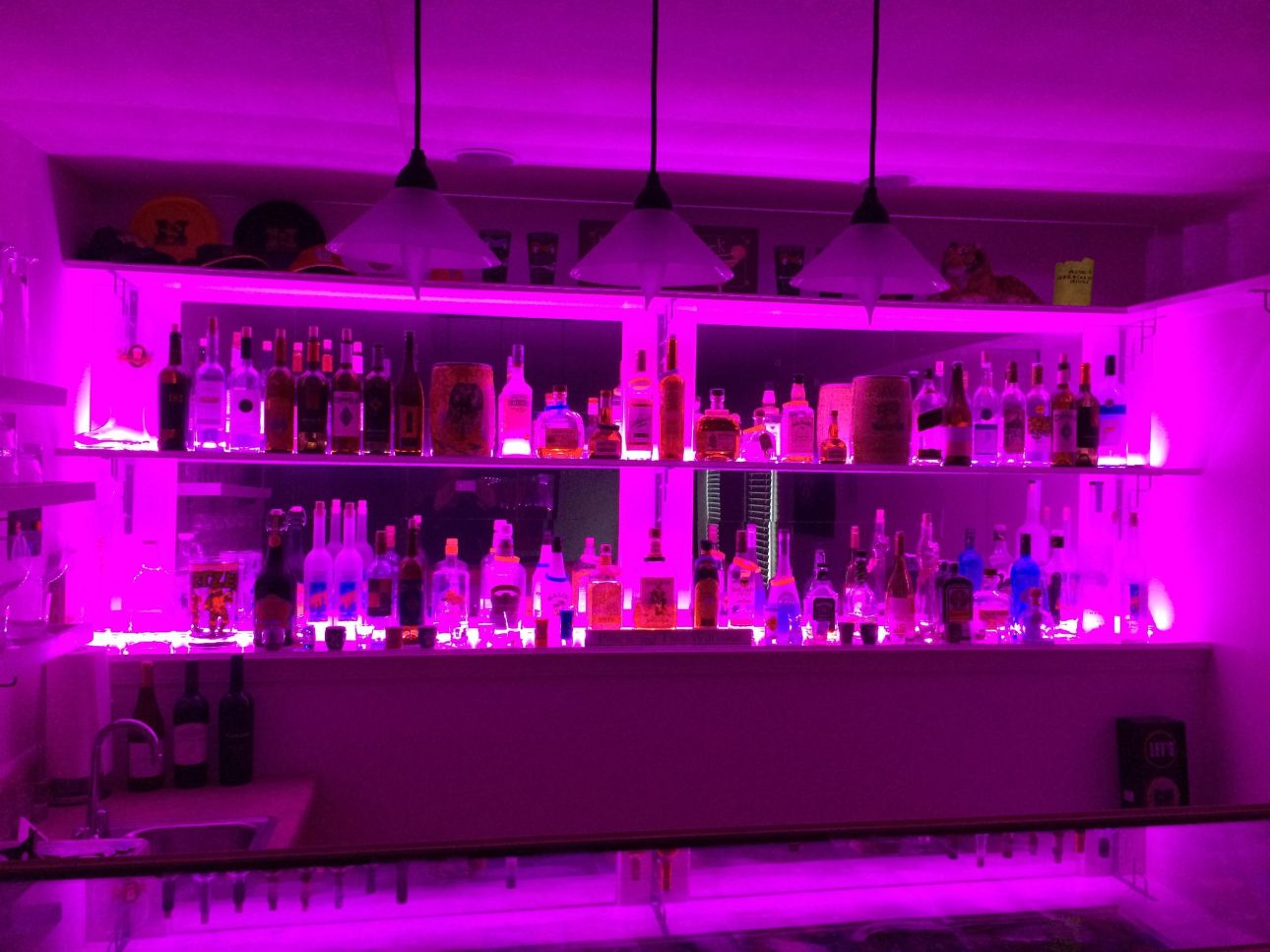
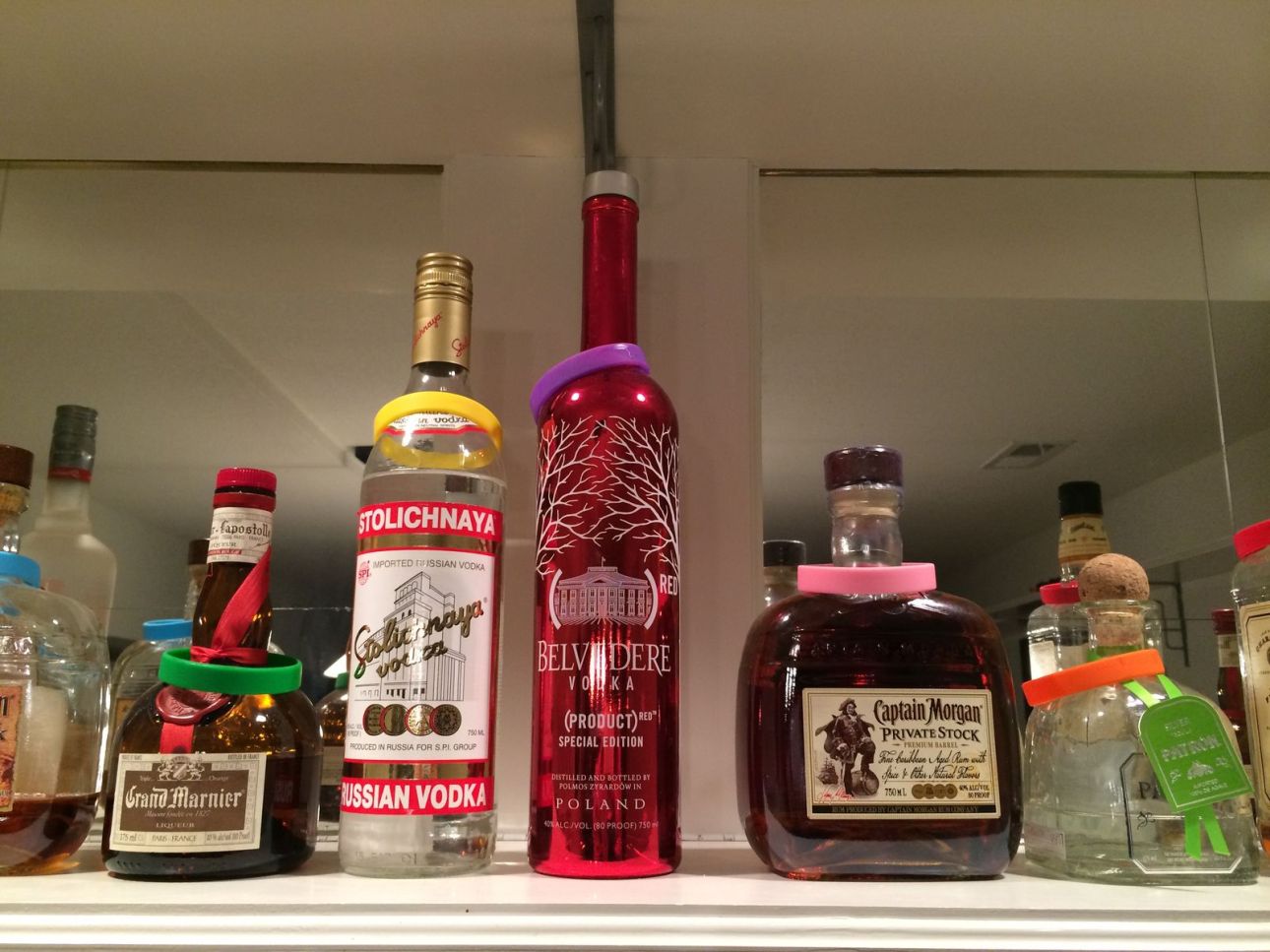
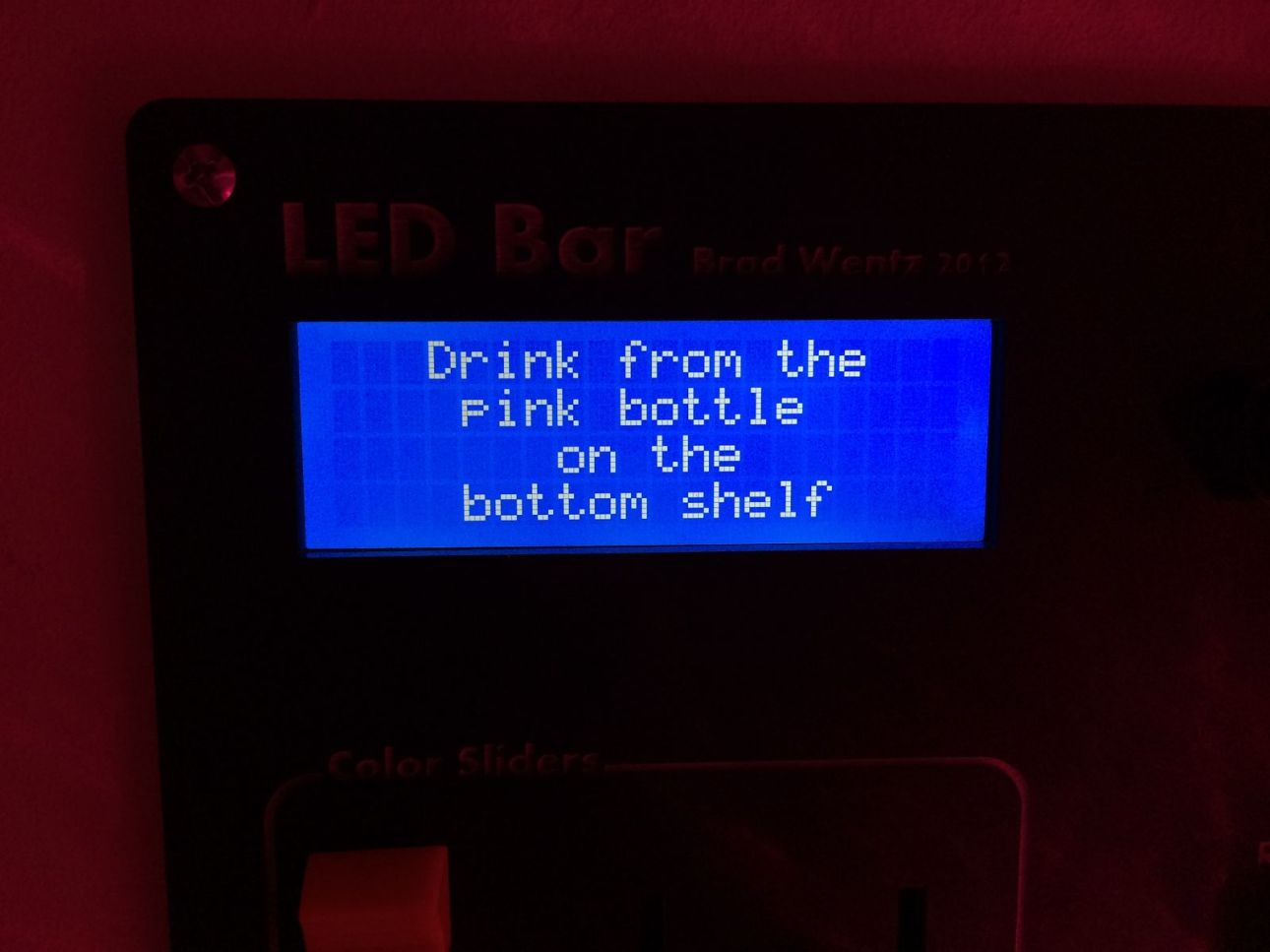
You can also press the random shot button at any time to interrupt the current light show and start the random shot selector routine. This will start a red, yellow, green countdown display for the entire bar (similar to a stoplight). Then the lights will start rapidly switching between random colors. They switch very fast at first and then gradually slow down. After a set period of time one of the shelves will turn off completely. Then the lights on the remaining shelf will eventually stop on a color. That color will match one of several colored wristbands placed on the alcohol bottles. Each shelf has 7 different wristbands that can be placed on any of the bottles on that shelf. This adds to the fun because the person taking the shot has a little influence on their destiny by where they stick the wristbands. Certain alcohols can be heavily favored and others can be avoided completely.
I’ll upload a few videos of the LED Bar in a future post.


Leave a Reply